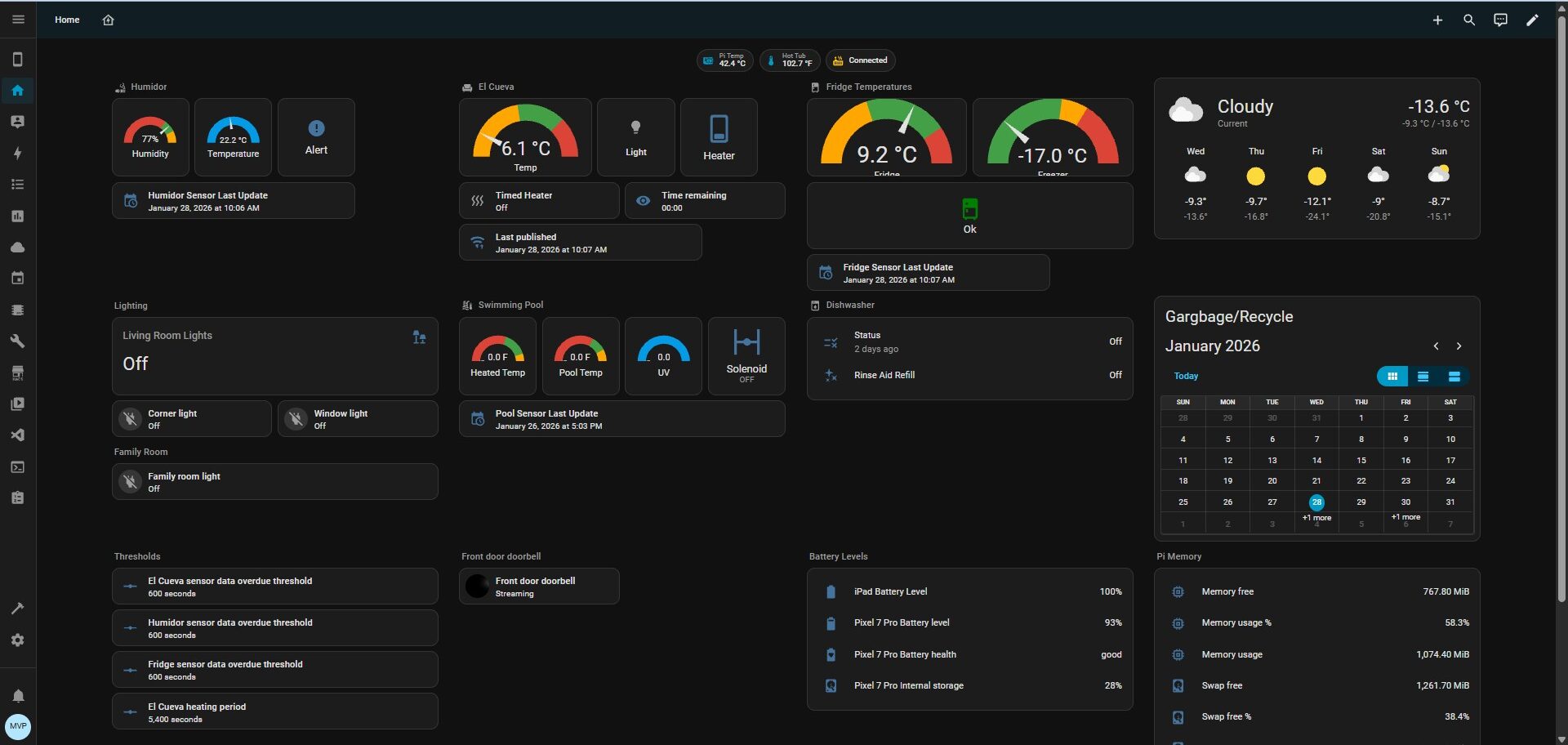
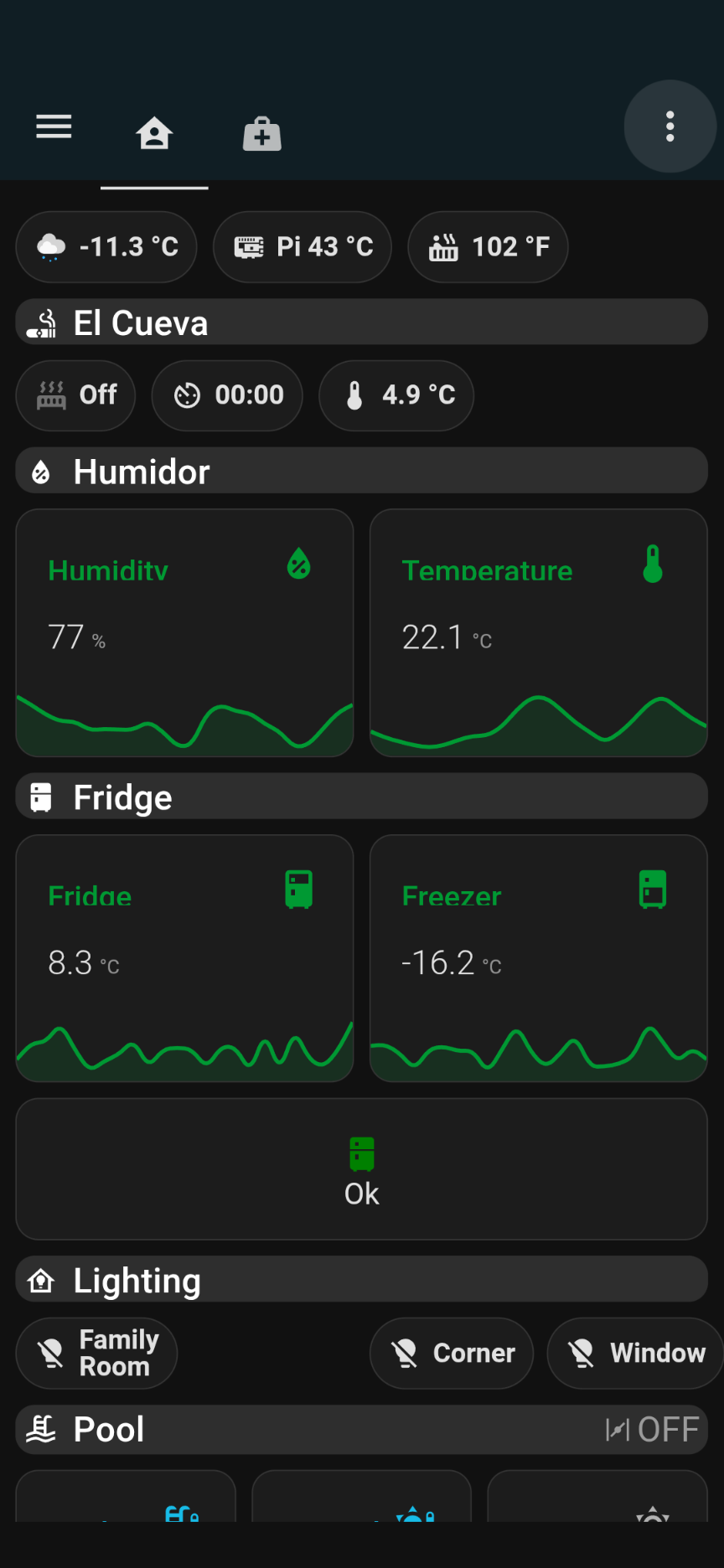
I think we are all familiar with home automation and being able to buy “smart” devices such as light bulbs, thermostats, and plugs that can be managed with a phone. Elsewhere in my website, you’ll see examples of IoT devices that have been built to be “smart”.
Typically, each of these devices have their own application and many can be managed by the popular home automation apps – Google Home and Amazon Alexa. Many cannot.
Home Assistant is a free and open source application that can bring together a majority of these devices and allow them to be viewed, automated, and managed from one application.
While it can be installed on a variety of platforms, I chose to host it on a dedicated Raspberry Pi, which is a small, inexpensive, single board computer.
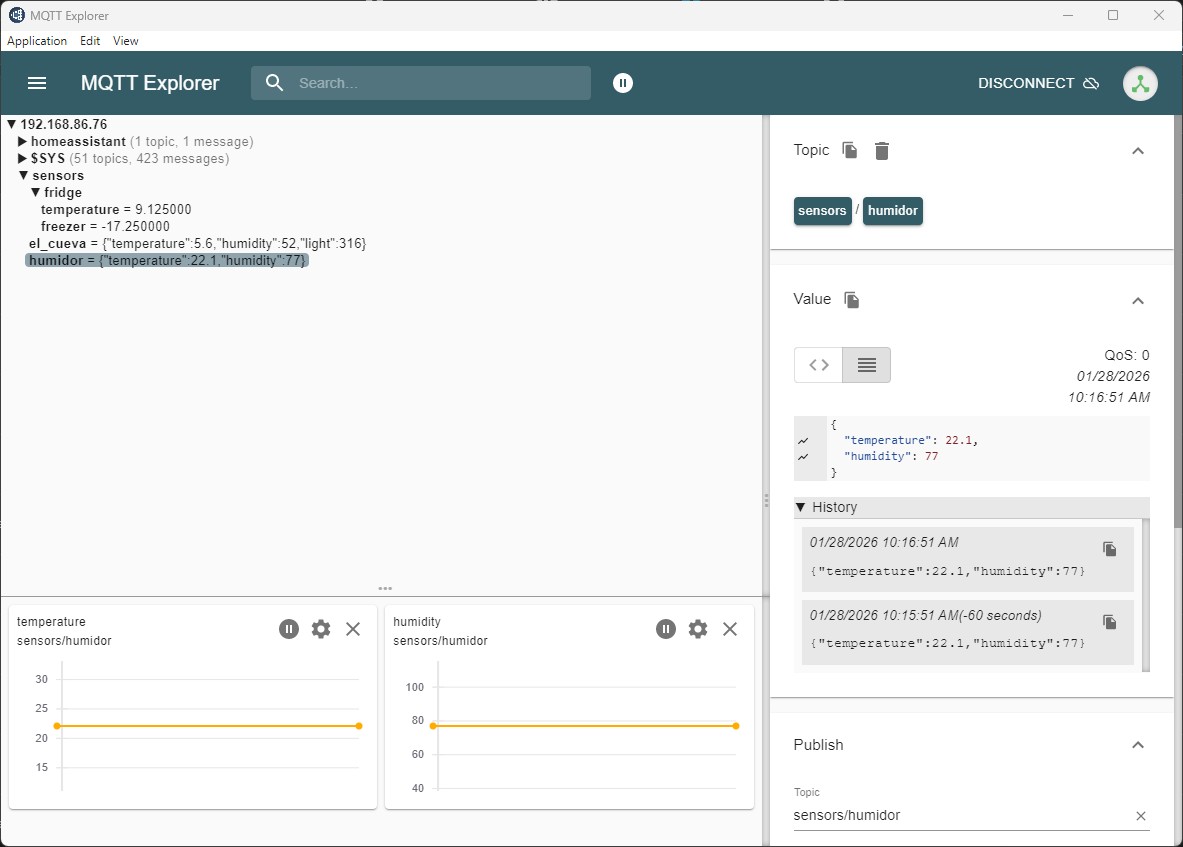
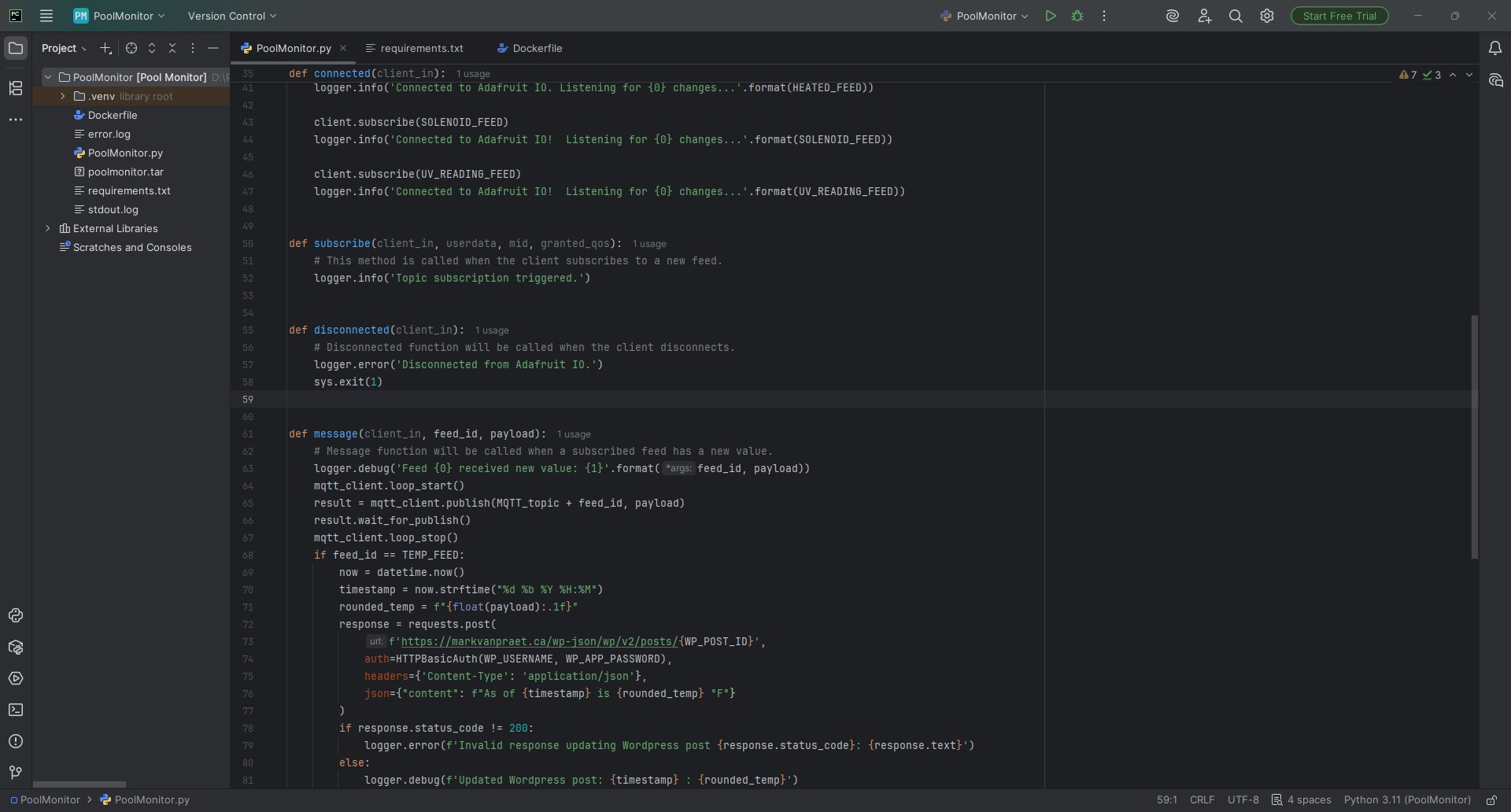
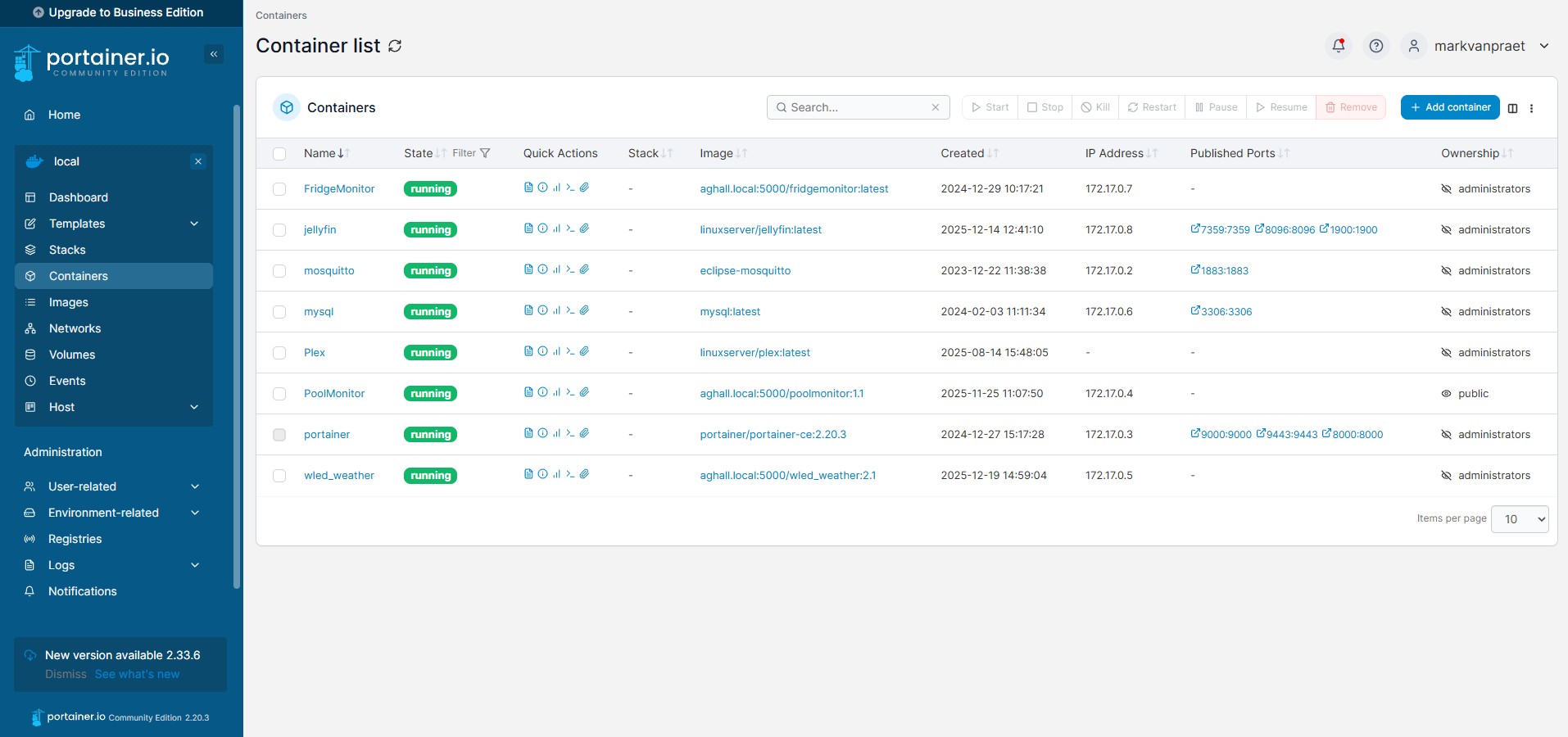
During installation, Home Assistant automatically detects most devices that are capable of being integrated. Some of my home-built devices required a more creative approach, including MQTT and Docker.
MQTT allows devices and computers talk to each other through a series of message exchanges.
Docker is a software platform that packages software into standardized units called containers that have everything the software needs to run including libraries, system tools, code, and runtime. These packages, which contain Python code written to manage the MQTT traffic, can run on an unattended computer in the house (my mom’s old desktop PC).